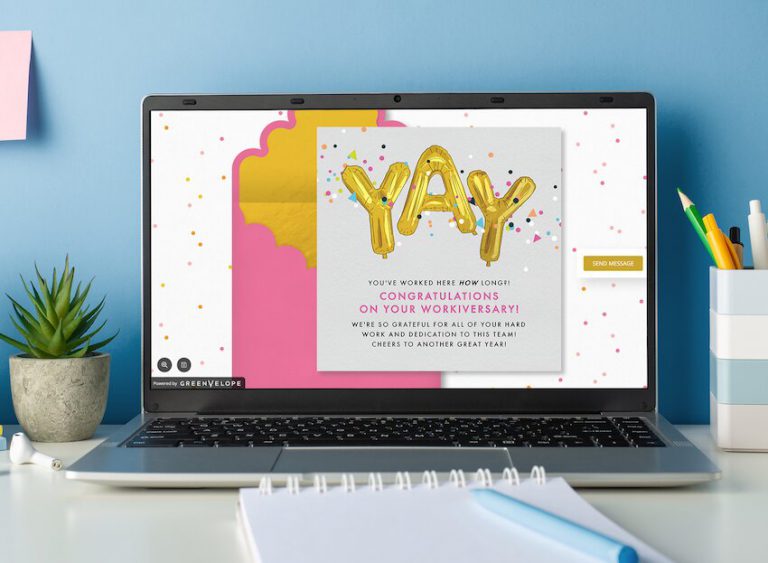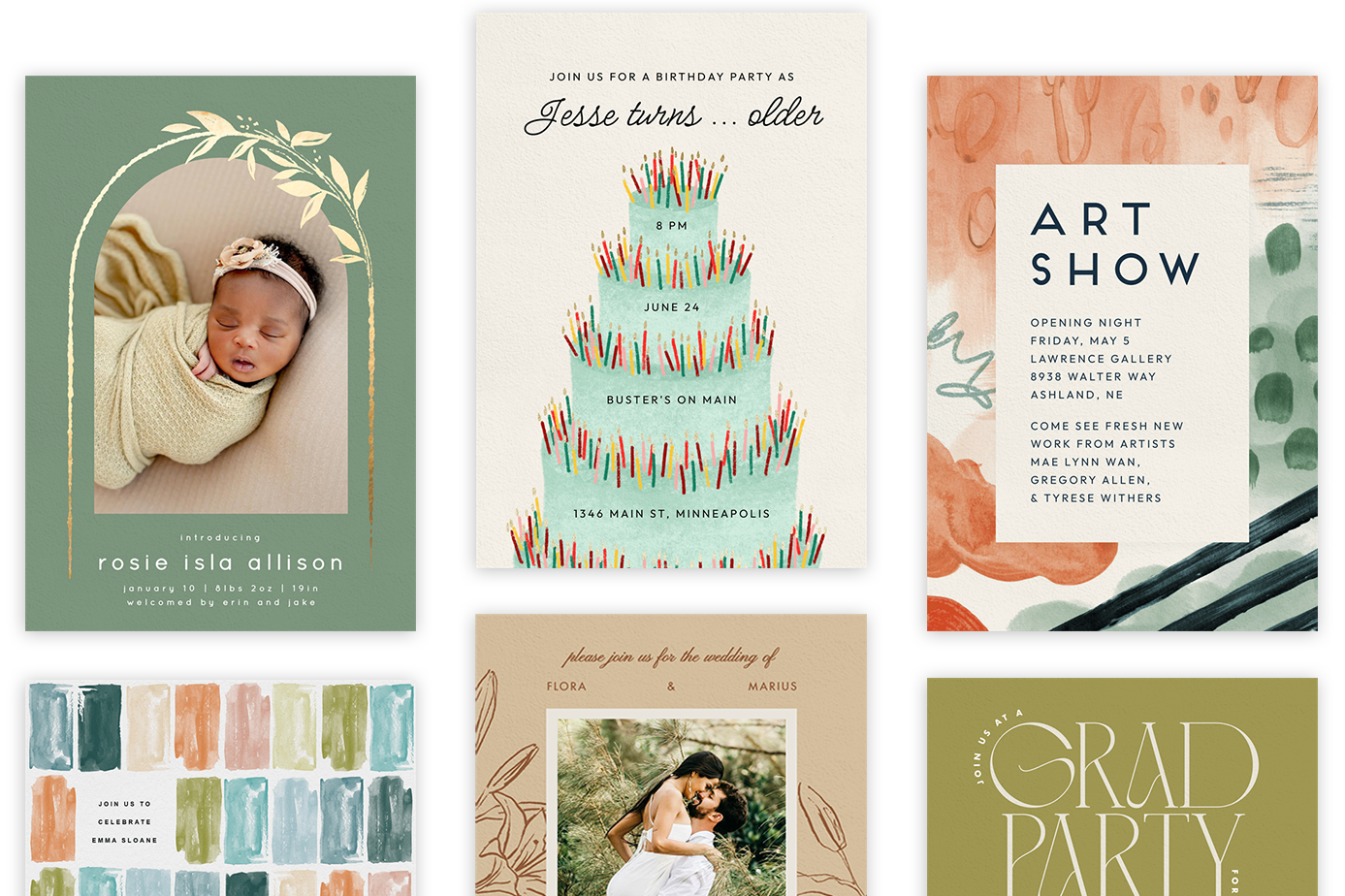
With Greenvelope, you get more than beautiful designs (a lot more). Greenvelope gives hosts a modern invitation experience with elegant digital invitations, deep customization on every detail, and seamless RSVP tracking, all delivered through an opening envelope animation that sets the tone before guests even read the details. Our ever-growing list of event management tools offers functionality that streamlines your whole event-planning process, right into contemporary bliss. Below are some tools to help you get the most out of going digital with your invitations.
Survey Questions
There’s a good chance you’ll need to collect more than just RSVPs from your guests. Depending on the type of event you’re planning, it might be helpful to collect meal preferences from your attendees, or perhaps shirt sizes from a group of volunteers. Or, maybe you’re planning a weekend full of wedding events and you’re interested to know who will be attending each of your specific events. Regardless of the type of event, gathering guest details is effortless with Greenvelope’s Smart Survey feature, which lets you ask custom questions alongside the RSVP so every response is captured in one place.
RSVP Tracking
From the moment your invitations are sent, Greenvelope will track all of the RSVPs (it’s that easy!) This functionality allows you to skip the traditional process of opening and manually tracking each paper RSVP. An added bonus? Once all of your guests have responded, you can also easily export your RSVPs into an organized list. You can also see exactly who has opened your invitation so you can follow up with anyone who hasn’t yet responded.
Plus 1 Allowance
Plus-ones can be stressful as you decide which guests should or should not have the option to bring a date. Make it a little easier on yourself with our plus 1 functionality, which allows you to specify how many additional guests each person on your mailing list is allowed to bring. You’ll also be able to collect contact information (first name, last name, email) from your guests who decide to bring a plus 1.
Group Tags
Whether it’s a corporate event, wedding, or holiday party, guest lists are made up of different groups of people (family, colleagues, VIPs, or volunteers). Reach a whole new level of organization by applying tags that organize your contacts for efficient searching, sorting, and filtering. Tags also make it easy to send private guest messaging to specific groups, like wedding party logistics to your bridesmaids without looping in every guest on the list.
Upload Files
Regardless of the type of event you’re planning, if you have corresponding documents, you can easily upload them to the details page and make them accessible to all your guests. Welcome packets, travel itineraries, dress code guides, or menu cards are all just a click away inside the invitation itself.
Gift Registries
Celebrations and gifts go hand in hand. Whether you’re getting married, having a baby, or celebrating another one of life’s milestones, make it convenient for friends and family by integrating a registry link directly into your invitation, so guests can browse and shop without digging through an email inbox.
Integrate Photos
Photos can add a personal touch to any event (especially weddings!) Plus, we can get on board with any opportunity to show off those gorgeous engagement photos, so don’t hesitate to add a photo library to your details page. You can add up to 10 photos, and pair them with a coordinating animated envelope so guests get a preview the moment the invitation opens.
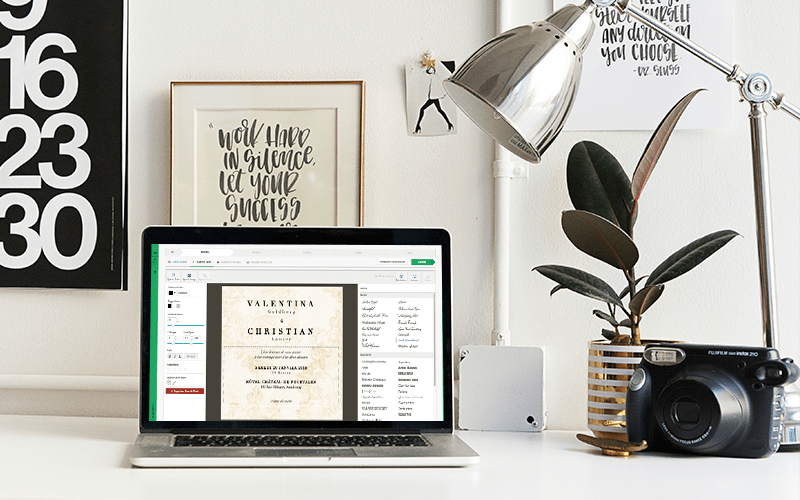
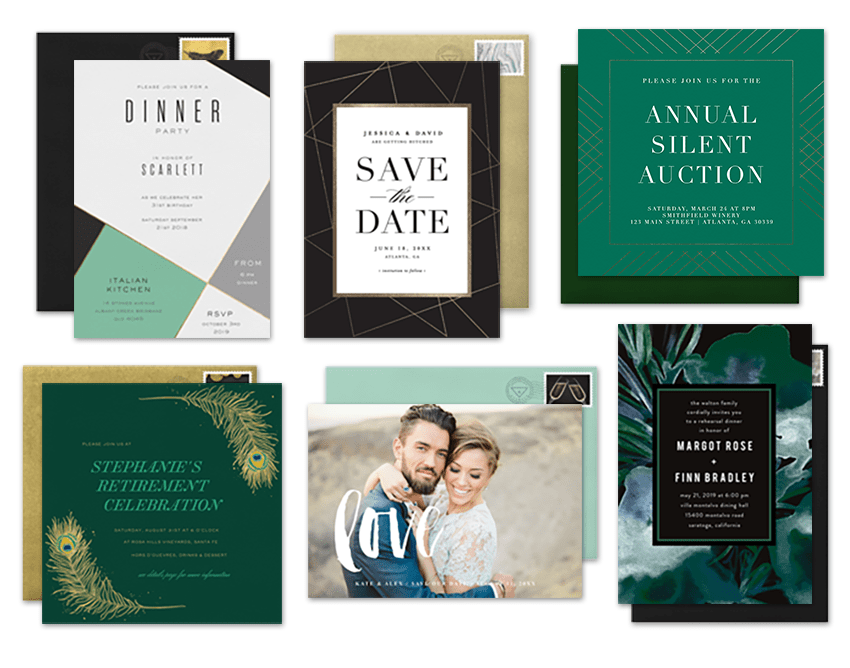
Our most important feature? Customization, because the best invitations are the ones that reflect a touch of personalization. Change the colors, fonts, and layout, add a photo stamp, and even include background music before you hit send. Ready to see it in action? Browse our full collection of invitation designs and start customizing your next event.